

Swap POC Example
Overview
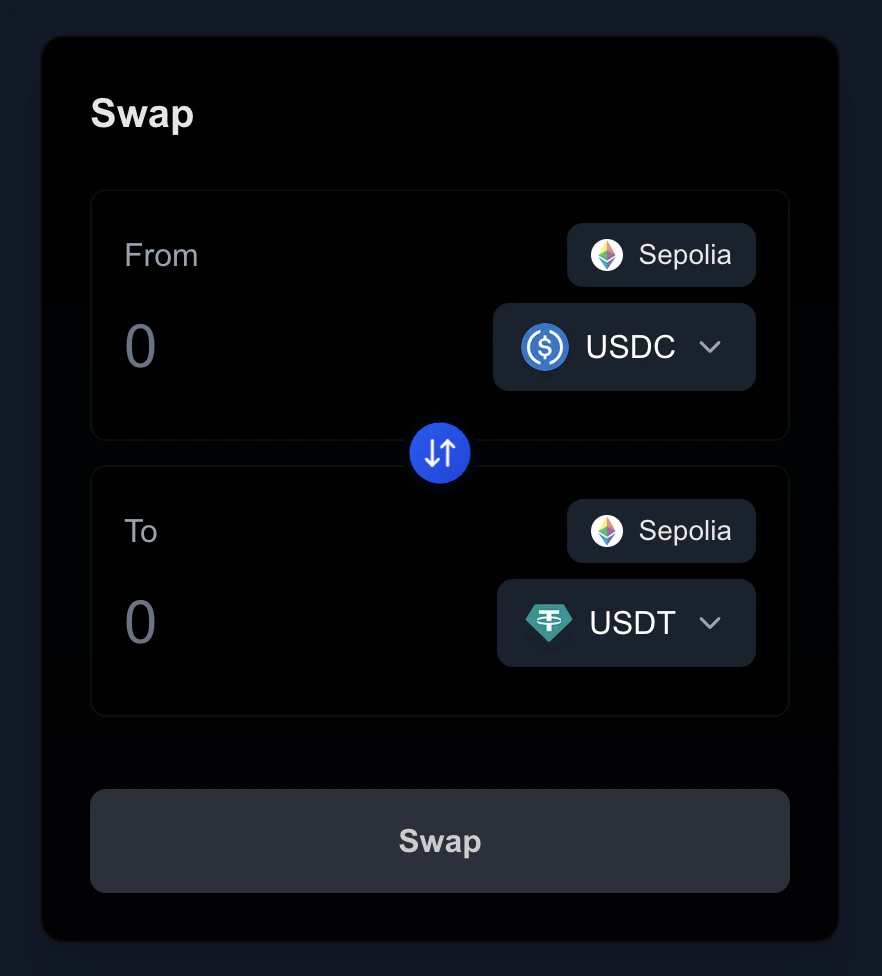
The Swap POC Frontend is a proof-of-concept application that demonstrates the Mach SDK swap functionality. It provides a simplified interface for:- Viewing supported assets
- Creating and executing token swaps
- Managing orders through the Mach API
Key Features
- Integration with Mach SDK for swap functionality
- Simple API routes for asset listing and order creation
- Environment-based private key configuration for swap execution
- Next.js-based frontend implementation
Project Structure
The application follows a standard Next.js project structure:Prerequisites
Before getting started, ensure you have:- Node.js 18 or higher
- npm or yarn package manager
- A private key for swap execution
Quick Start
- Clone the repository:
- Install dependencies:
- Configure environment variables:
Create a
.envfile with your private key:
- Start the development server:
API Routes
The application includes two main API routes:/api/assets
Returns a list of assets supported by the Mach API.
/api/order
Creates a new swap order using the configured private key.
Development
Deployment
You can easily deploy this application to Vercel using the button below:Important Notes
- This is a proof-of-concept implementation and not production-ready
- The application uses a single private key configured in the backend
- Wallet connection in the browser is not supported in this example
- The implementation is simplified for demonstration purposes
Next Steps
To extend this example, consider:- Adding wallet connection support
- Implementing proper error handling
- Adding order status tracking
- Implementing cross-chain swap functionality